Optimization of the Help Center Content Experience by Platform Availability
Overview
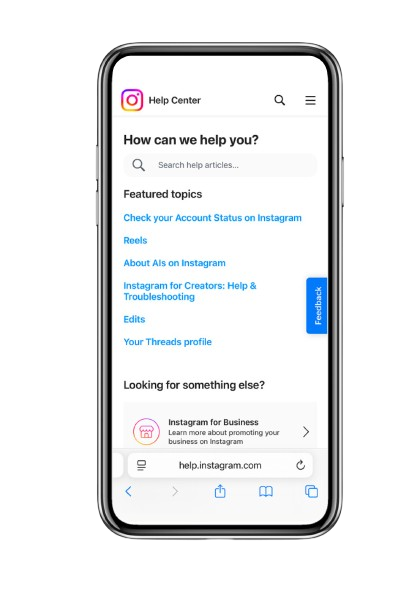
Instagram’s Help Center receives over 323M visitors per month and is often the first touchpoint for users troubleshooting issues. However, many articles with “how-to” steps were incomplete, outdated, or missing platform specific instructions (Android, iPhone, Web, Lite). This created friction for users who couldn’t find accurate steps for the platform they were on.
Problem
Content gaps: Missing or outdated steps across platforms.
Inaccurate guidance: Users saw instructions that didn’t match their product experience.
Process breakdown: No follow-up with product partners after initial requests, causing updates to be missed.
Tooling limitations: Platform slices (backend functionality to display platform specific content) were not being leveraged.
Solution
Audit scope: Identified 337 articles with step-by-step content needing review.
Prioritization: Focused first on most-visited and “critical to core product experience” articles.
Resourcing: Partnered with another writing team to handle volume and tight timelines.
Collaboration: Held kickoff meetings, created data trackers, set timelines, and hosted weekly office hours.
Implementation: Reviewed, updated, or added platform-specific steps and integrated platform slices to align content with the actual user experience.
Project Goals
Tailored instructions ensured clarity across platforms.
Reduced friction for millions of users by ensuring platform specific instructions matched product reality.
Established a new content practice for revisiting help content as features evolve.
Rewritten Copy (proposed UX content)
Before: “Tap the three lines in the top right to open your menu. Scroll down to find your settings.” (This was displayed generically for all platforms even though the steps were not the same across iPhone, Android, or Web.)
After:
iPhone
Tap (☰)Menu in the top left.
Scroll down and tap Settings & privacy.
Android
Tap the Profile icon in the top right.
Scroll down and tap Settings & privacy.
Web
Click your Profile picture in the top right, then click Settings & privacy.
Increase in activation rate
0%
Increase in activation rate
0%
Increase in activation rate
0%
Business Impact
190 articles updated and 255 new platform instructions added.
Measured success via helpfulness scores:
iPhone App: +22.87%
Computer Web: +9.35%
Mobile Web: +3.73%
Android App: +0.31%
Lite App: –2.31% (revealed an opportunity for further optimization).